


What the MYGMC App Can Do for You
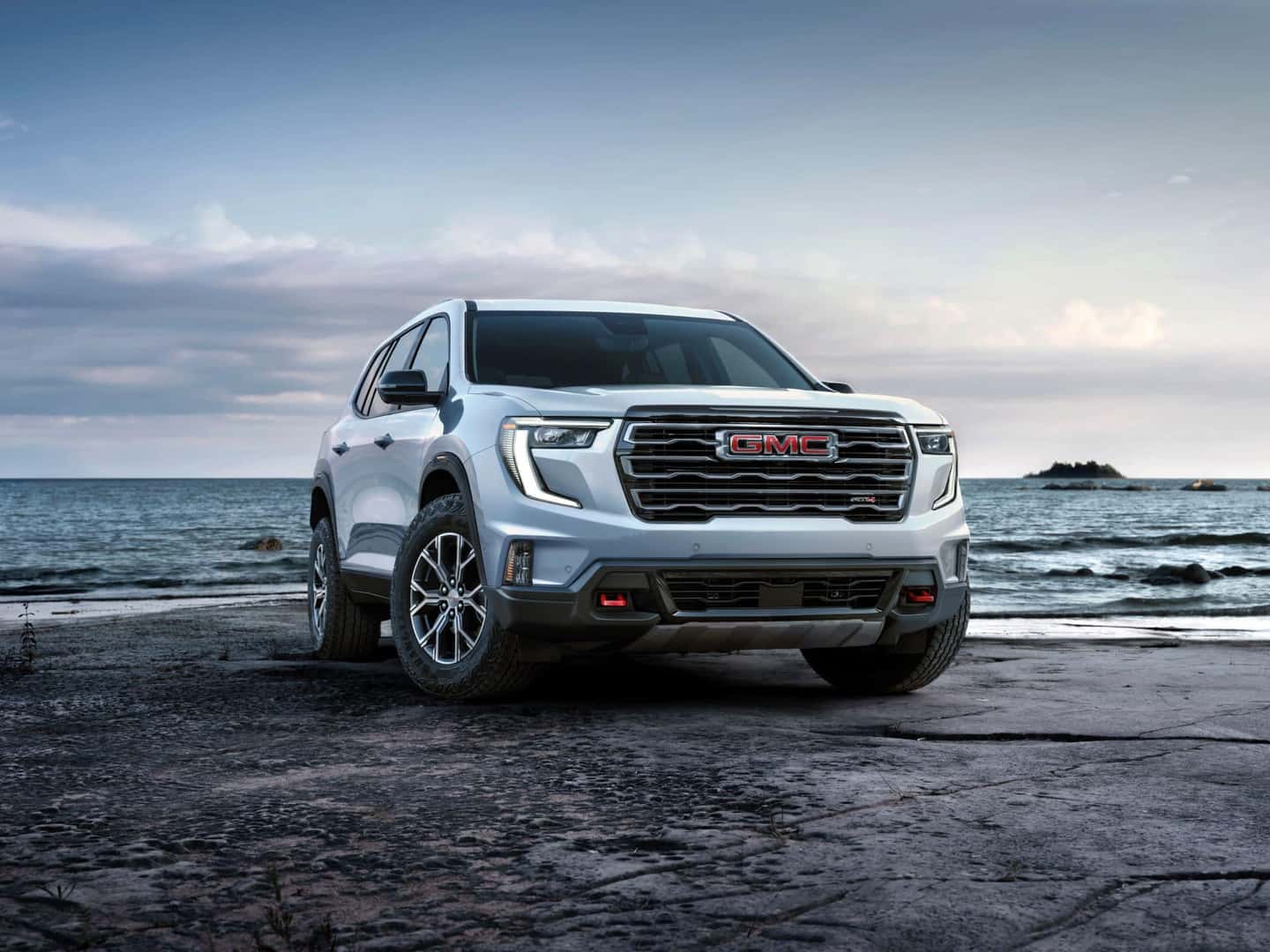
The myGMC Mobile App harnesses the power of your smartphone to improve your GMC experience even when you are away from the vehicle. The app is continually enhanced with more features. If you have a recent GMC model, you owe it to yourself to accompany it with the myGMC app. This Ewing GMC post gives you this quick tutorial as to why.
Remote Functions
The app’s home screen immediately provides you with the functions you will most likely use. These remote functions allow you to interact directly with the vehicle and include:
- Start/stop the vehicle – This can be used to warm up the car in advance during freezing weather or to activate the preset climate control so the cabin is comfortable when you enter.
- Lock/unlock the doors – This function is particularly useful if someone you trust needs to get something out of your vehicle while you are halfway across the country.
- Sound the horn – Sounding the horn can be used as a security alarm or to locate your car in a covered multi-story parking lot.
Each of these functions has graphics to immediately identify them, above which is an image of the vehicle they pertain to, which is especially useful if you have more than one GMC vehicle in the household.
Towing Assistance
The app includes a specific section for towing assistance. Its features include:
- Trailer Light Test – To help you ensure all of your trailer lights are in working order, this feature activates your brake lights and turn signals so you can perform a visual inspection.
- Trailer Load Calculator– Use your trailering information label and the dynamic load calculator tool to determine your vehicle’s combined weight for a confident towing experience.
- Trailering Glossary – Forget the difference between GCWR and GVWR? A handy trailering glossary will help you get up to speed.
Other Capabilities
The home screen also includes a section for vehicle health, which tracks useful features like fuel level, tire pressure status, and when to get your next oil change.
Another helpful feature is the vehicle locator. Tap on “Parked Location” under Location Services, and your phone will display your vehicle’s location. Anyone who has ever left a sports stadium can appreciate this. It can also track your car when it is driven by someone else.
The app provides graphics and instructions for activating your in-vehicle Wi-Fi Hotspot. You can also send destinations to the in-dash navigation system. It also facilitates scheduling service visits and even making GMAC payments.
Share the Convenience
The Family Sharing function of the myGMC app enables you to share your remote abilities with up to eight family members or friends. Each Family Sharing member can use their own compatible mobile device and has their unique sign-in and biometrics. The features shared with the eight individuals are:
• Vehicle Locate
• Wi-Fi® Hotspot management
• Remote commands
Family Sharing even allows for multiple vehicles to be shared among members. This means households with more than one GMC or other General Motors brand vehicles can share access and functions of the myGMC app.
The myGMC app can be found easily by searching its name in either the Apple App Store for Apple devices or Google Play for Android devices. Not all functions work on all GMC models. If you have questions about whether your GMC vehicle can interact with the myGMC app, contact one of our Ewing GMC Sales Professionals for assistance.
0 comment(s) so far on What the MYGMC App Can Do for You